


Featured Video

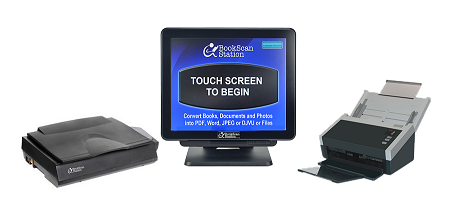
The Library Scanning Solution

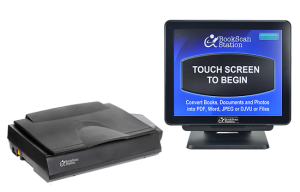
1. Bookscan Station’s beveled edge protects the book spine from damage while allowing the page to lie flat on the glass.
2. When the page lies flat, the BookScan Station produces a clear image of the text across the entire page.
3. The Bookscan Station can convert the scanned image into digital PDF, Word and Excel files.
4. These digital files can be emailed, printed, searched, retrieved and edited.
5. Paper free. Save a tree!

Photocopiers

- Dark Shadows produce unreadable text
- Text cannot be converted to PDF, word or Excel files
- Pressing the book on the copier damages the book spine
- Consumes paper and toner cartridges
- Paper copies are NOT digitally searchable or editable
- Store paper copies in desk drawers, backpacks, etc.

BookScan Station

- Page lies flat, Produces clear text
- Converts images to PDF, Word and Excel files
- Protects book Spine
- Paper free. save a Tree!
- Search, retrieve, email and edit digital files
- Store digital files on USB drive or PC